
Microsoft 365 Services
Most organisations are already paying for everything they need to work better. The tools are there. The licences are active. The problem isn't what you have — it's how it's being used, and whether it's been set up in a way that reflects how your organisation actually operates.
That's where we come in. We combine Lean thinking with deep Microsoft 365 experience to help organisations cut through the complexity, simplify how work gets done, and get real value from tools they've often been underleveraging for years.
Transformation
If your organisation has outgrown how it currently works — or never quite had the right foundations to begin with — this is where we start.
We don't arrive with a template and apply it regardless of context. We take the time to understand how work actually flows through your organisation: where it moves smoothly, where it stalls, and where people have quietly developed workarounds because the official process doesn't quite work. Then we redesign the parts that aren't working, using Microsoft 365 as the practical foundation for something simpler and more sustainable.
The goal isn't a technology project. It's an organisation that runs more clearly, with less friction, and with processes consistent enough that people can follow them without a manual.
Find out more about transformation →
Consultancy and User Adoption
New ways of working only stick when people understand them, believe in them, and have been properly supported to make the change. This is the part that most technology projects get wrong — the tools get configured, the project gets signed off, and six months later most people are back to doing things the way they always did.
We work alongside your team through the change, not just up to it. That means practical, role-based guidance rather than generic training days. It means being available when questions come up in the real work, not just in a classroom. And it means paying attention to the people who are finding the change difficult, because resistance to change is almost always a signal worth listening to rather than a problem to be managed away.
Find out more about user adoption →
Microsoft Copilot Readiness and Deployment
Copilot is a genuinely powerful tool. It's also one that rewards organisations who prepare for it and punishes those who don't.
Before you invest, the question worth asking is whether your Microsoft 365 environment is in a state that Copilot can work with effectively and safely. That means well-organised documents, audited permissions, clear governance, and processes that make sense. If those things are in place, Copilot delivers real value quickly. If they're not, you'll get underwhelming results at best — and at worst, an intelligent system surfacing information it probably shouldn't.
We help you get ready before you deploy, and support you through the rollout once you are. The result is a tool your team trusts and actually uses, rather than one that gets quietly abandoned after the first few weeks.
Find out more about Copilot readiness →
Ongoing Support and Continuous Improvement
Getting to a better way of working is the start, not the finish. Organisations change — people join and leave, priorities shift, new tools get added, and ways of working that made sense a year ago sometimes need revisiting.
We offer light-touch ongoing support for organisations that want someone they trust to keep an eye on things — carrying out regular governance and workspace reviews, troubleshooting when something isn't working as it should, and making recommendations as Microsoft 365 itself evolves. Think of it less as a helpdesk and more as having a knowledgeable colleague you can call on when you need one.
This is also where the fixed-price entry points sit for organisations that aren't ready for a full engagement but want a clear picture of where they stand:
Not sure where to start?
Most organisations we work with begin with a conversation — no pitch, no proposal, just an honest look at what's getting in the way and whether we can help.

Most organisations using Microsoft 365 are getting a fraction of what they're paying for. Not because the tools aren't capable, but because the environment was set up quickly, never properly reviewed, and has quietly accumulated problems ever since — duplicate files, inconsistent permissions, unused licences, tools overlapping with each other, and ways of working that made sense at the time but no longer do.
The M365 Health Check gives you a clear, honest picture of where you stand — and a practical starting point for making things better.
Why it matters
Microsoft 365 isn't a static tool. It evolves constantly, and so does the organisation using it. What was set up two or three years ago may no longer reflect how your team works, what your security requirements are, or what Microsoft now makes possible.
Without a periodic review, problems accumulate invisibly. Sensitive documents end up accessible to people who shouldn't see them. Licences are paid for that nobody uses. Teams channels multiply without structure. SharePoint becomes a place where files go but never get found. And the gap between what you're paying for and what you're actually getting quietly widens.
A Health Check stops that drift — and often identifies quick wins that save time and money immediately.
What we look at
We review your Microsoft 365 environment across six areas:
Licensing — are you paying for the right licences, and are they all being used? We identify where you're over-licensed, under-licensed, or paying for capabilities that are duplicated elsewhere.
Security and permissions — who has access to what, and is that appropriate? We check for overly broad permissions, guest access that's no longer needed, and gaps in your basic security configuration.
Information architecture — how is information organised across SharePoint, OneDrive, and Teams? We assess whether your structure supports how people actually work or creates friction and confusion.
Collaboration and communication — are Teams, SharePoint, and the rest of the suite being used consistently and effectively, or has adoption drifted? We identify where tools are underused, duplicated, or working against each other.
Governance and compliance — are retention policies in place? Is sensitive data being handled appropriately? We flag areas where your current setup may create compliance or data governance risk.
Quick wins — we always identify the changes that can make an immediate practical difference, so you leave with actions you can take straight away as well as a longer-term picture.
What you receive
A short, clearly written report — no jargon, no lengthy technical appendices — covering what we found, what it means in practice, and what we'd recommend doing and in what order. Prioritised so you know where to start, with an honest assessment of what's straightforward to fix and what requires more considered planning.
The report is yours to use however you choose — to act on yourself, to brief an internal IT resource, or as the basis for a wider piece of work with us if that's the right next step.
How it works
The Health Check is delivered entirely remotely. We'll need read access to your Microsoft 365 admin centre for the duration of the review — we'll walk you through exactly what that involves and how to set it up safely. No software installation is required on your side, and access can be removed as soon as the review is complete.
The process takes a day of our time. We'll agree a date, complete the review, and deliver the written report within three working days. The whole thing from booking to report typically takes less than two weeks.
There is no obligation to take any further work with us. The Health Check stands entirely on its own.
Who it's for
The M365 Health Check is right for you if:
You've had Microsoft 365 for more than a year and it's never been properly reviewed. You've grown as an organisation and your setup no longer reflects how you work. You're planning a wider technology or process improvement project and want a clear baseline before you start. You've had a staff member leave and you're not confident permissions and access were properly cleaned up. Or you simply want to know whether you're getting value from what you're paying for.
It works equally well for small businesses, charities, and social enterprises — any organisation running Microsoft 365 that wants an honest, independent assessment of where things stand.
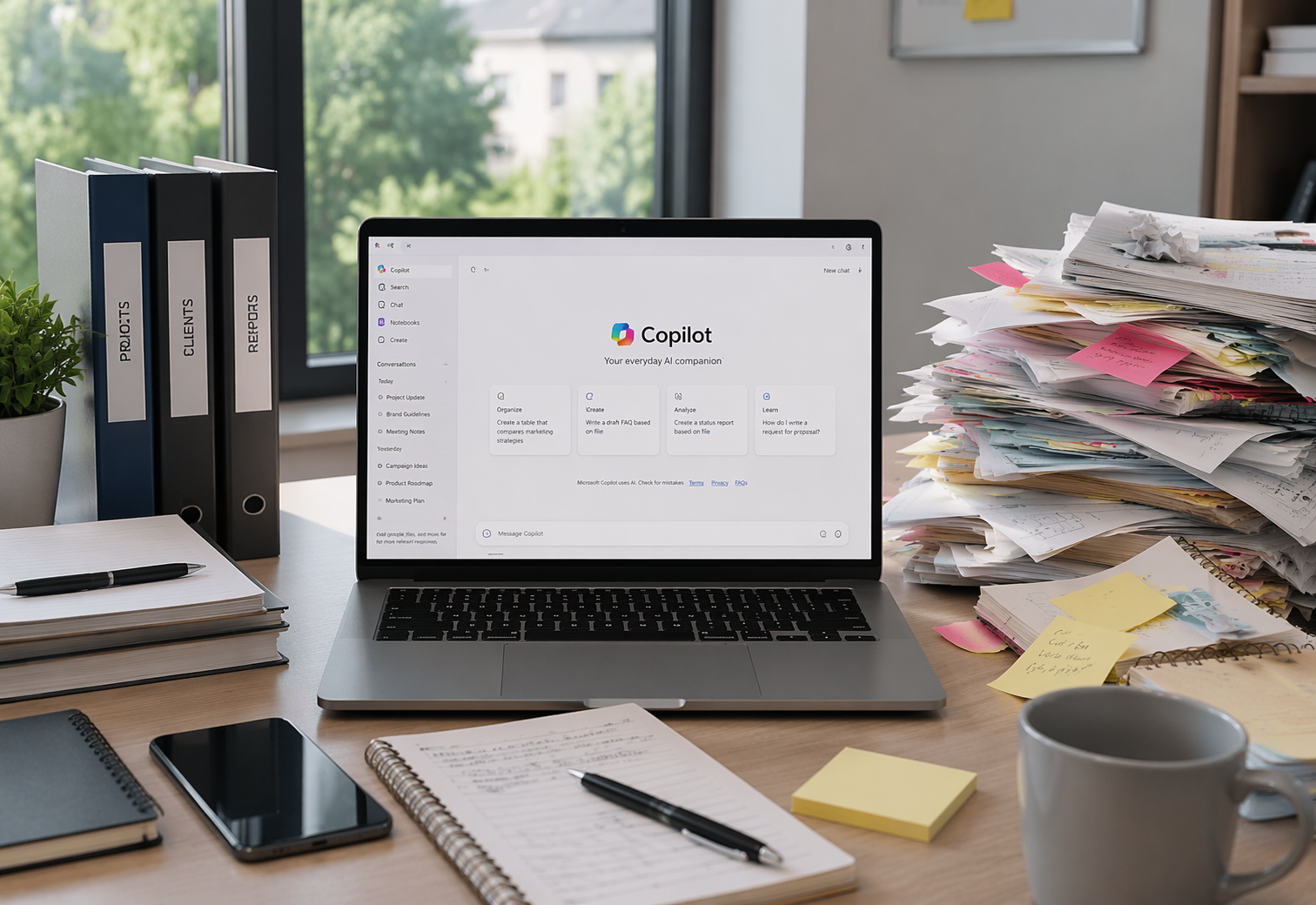
Microsoft Copilot is one of the most talked-about tools in the Microsoft 365 suite right now — and with good reason. When it works well, it saves significant time, surfaces information that would otherwise take hours to find, and removes a class of repetitive tasks that drain knowledge workers every day.
The question isn't whether Copilot is worth having. For most organisations, it will be. The question is whether your organisation is ready for it — and that's a question worth answering honestly before you spend the money, not after.
The Copilot Readiness Review gives you a clear, independent assessment of exactly that.
Why readiness matters
Copilot works by reasoning across your organisation's data — your emails, documents, Teams conversations, SharePoint files, calendar, and everything else stored in Microsoft 365. That's what makes it powerful. It's also what makes the state of your environment so important.
In a well-governed Microsoft 365 environment, Copilot is genuinely impressive. It finds things quickly, drafts accurately, and helps people work faster. In an environment where documents are scattered, permissions have drifted, and governance hasn't kept pace with how the organisation has grown, Copilot will work just as confidently — but the answers it gives will only be as good as the information it can find. And occasionally it will surface something it probably shouldn't, because the permissions that were supposed to restrict access were never quite right.
Copilot doesn't create governance problems. It makes existing ones visible — at the moment someone asks a question, which is not the ideal time to discover them.
Getting your environment ready before you deploy isn't a bureaucratic step. It's what separates organisations that get real value from Copilot from those that find it underwhelming or, worse, embarrassing.
What we assess
We review your Microsoft 365 environment across five areas that directly affect how safely and effectively Copilot will work:
Data organisation and findability — is your content stored in a way that Copilot can navigate intelligently? We assess whether your SharePoint and OneDrive structure supports or hinders effective AI-assisted search and retrieval.
Permissions and access control — does the right information reach the right people, and only the right people? We identify where permissions have drifted from what was intended and where sensitive content may be more broadly accessible than it should be.
Data governance and retention — are retention policies in place and working correctly? We check whether outdated, duplicate, or sensitive content is being managed appropriately — or whether it's sitting in your environment waiting to be surfaced at the wrong moment.
Process readiness — Copilot works best when the processes around it are clear and consistent. We assess whether your current ways of working support effective Copilot use, or whether process improvements are needed first to get real value from the tool.
Licence and deployment readiness — do you have the right Microsoft 365 licences for Copilot, and is your tenant configuration ready for deployment? We confirm what's in place and what needs to be resolved before you go live.
What you receive
A clear, jargon-free written report covering what we found across each of the five areas, what it means for your Copilot deployment, and a honest recommendation: whether you're ready to proceed, what needs to happen first if you're not, and in what order we'd suggest tackling it.
The report includes a simple readiness summary — a straightforward assessment of where you stand across each area — so you can see at a glance what's in good shape and what needs attention. No technical jargon, no lengthy appendices. Just a clear picture and a practical next step.
The report is yours to use however you choose — to act on independently, to share with your IT provider, or as the foundation for a deployment project with us if that's the direction you want to go.
How it works
The Copilot Readiness Review is delivered entirely remotely. We'll need read access to your Microsoft 365 admin centre for the duration of the review — we'll walk you through exactly what that involves and how to set it up safely before we begin. No software installation is required on your side, and access can be removed as soon as the review is complete.
The review takes half a day of our time. We'll agree a date, complete the assessment, and deliver the written report within three working days. From booking to report, the whole process typically takes less than two weeks.
There is no obligation to take any further work with us. The review stands entirely on its own — and if the honest answer is that you're not ready yet, you'll know exactly what to do next and why.
Who it's for
The Copilot Readiness Review is right for you if:
You're actively considering Microsoft Copilot and want to know whether now is the right time to deploy. You've already purchased Copilot licences but haven't rolled it out yet and want to make sure you're set up for success. You've started a Copilot deployment and it isn't delivering the value you expected. You're concerned about data governance or permissions in your Microsoft 365 environment and want an independent view before introducing an AI tool. Or you simply want an honest, practical answer to the question "are we ready?" before committing further.
It works equally well for small businesses, charities, and social enterprises — any organisation running Microsoft 365 that is serious about using AI effectively and responsibly.
A note on timing
Microsoft is actively developing Copilot and its capabilities are expanding regularly. The organisations that will get the most from it over the next two to three years are the ones that get their foundations right now — not the ones that deploy quickly and spend the following months managing the consequences.
A day of preparation is a small investment against the cost of getting it wrong.